Motorcortex-ECAT
With Motorcortex-ECAT you can configure your EtherCAT Devices
less than a minute
Introduction
With the Motorcortex ECAT-tool, users can easily scan, add, and configure EtherCAT devices through an intuitive interface accessible via a web browser.
Screen Layout
The ECAT-Tool start screen contains the following 3 main elements:
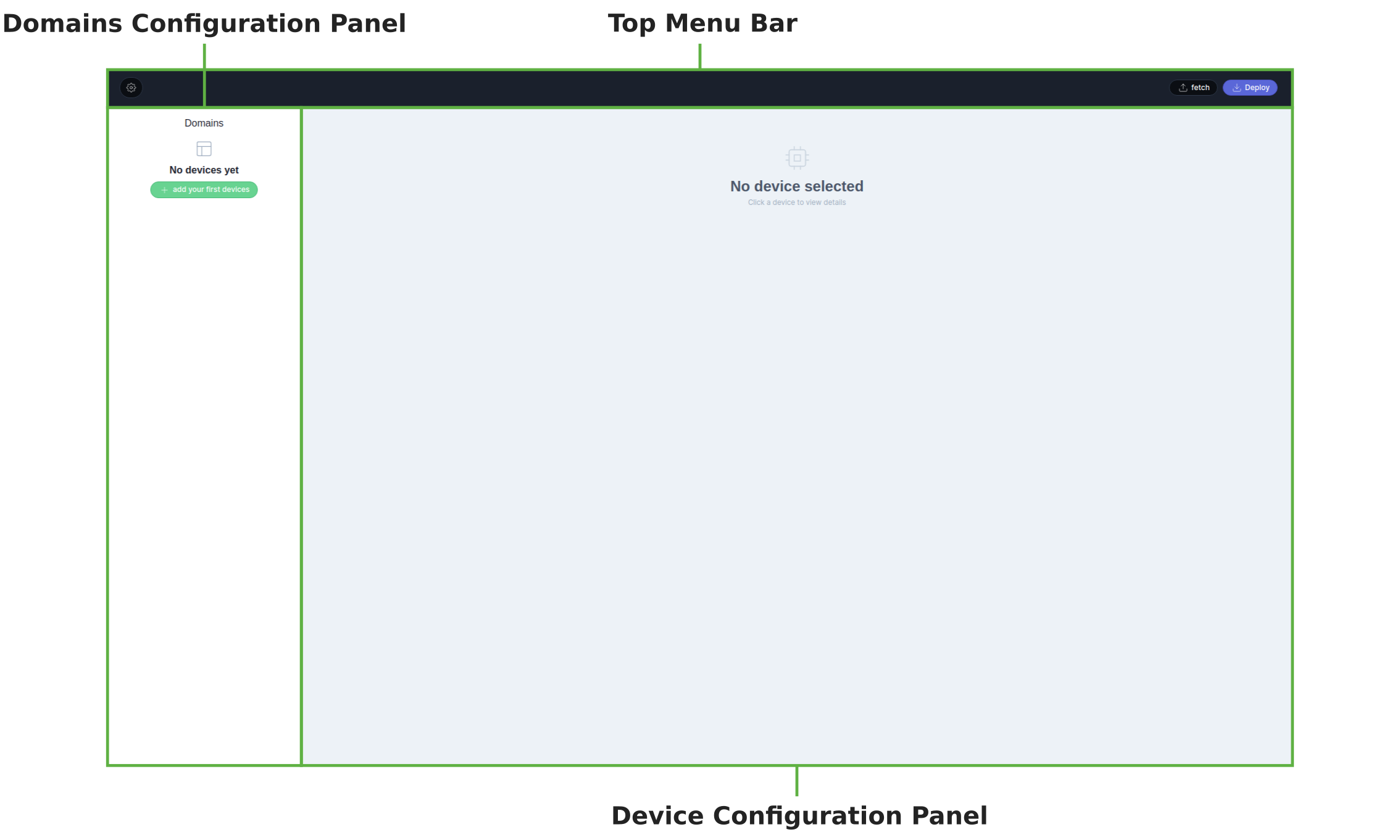
Top Menu Bar
The Top Menu Bar is where you can manage your settings and also fetch/deploy your etherCAT configuration files.
- How to establish a connection between the ECAT-tool and the Motorcortex controller?
- How to fetch/deploy an ethercat configuration to the controller?
- How to download the etherCAT configuration to a file?
Domains Configuration Panel
In the Domains Configuration Panel you can create create domains with etherCAT devices.
- How to add or remove a domain to/from the etherCAT configuration?
- How to add or remove a devices to/from a domain?
- How to configure the etherCAT slave position?
- How to a switch a domain from production to simulation?
Device Configuration Panel
In the Device Configuration Panel you can configure your EtherCAT devices.
- How to apply an ESI-file to your added etherCAT device?
- How to add a simulation link to your etherCAT drive?
- How to configure the device PDO, SDO and startup entries?