Download
3 minute read
Every kind of controller needs its own MCX-RTOS image: an Intel image for an industrial PC, a Raspberry Pi image for a Raspberry Pi, and a disk image or appliance file for a virtual machine. You download it from the motorcortex.io store.
Before you start
- An account on motorcortex.io. If you do not have one yet, register for an account.
- Room on your PC for the image: an image is several gigabytes once it is unpacked.
Find the image in the store
The store lists the images in its OS images and SDK category. Each image has a Download action in the menu at the end of its row. File names contain the MCX-RTOS version, so the names on your screen differ from the examples below. Pick the newest version.
Select your controller:
An industrial PC needs two files. The Intel image is MCX-RTOS itself. The imager stick image turns a USB drive into a boot stick that installs the Intel image on the controller’s disk.
-
Open the motorcortex.io store and log in.
-
Download the Intel image. Its name starts with
mcx-imageand containsmcx-intel, for examplemcx-image-dev-mcx-intel-2022.09-0-g7adb1a0.img.xz. -
Download the imager stick image. Its name contains
mcx-clonezilla, for example2022-09-09_16-24-40_mcx-clonezilla_6Gb.img.xz. The stick is based on ClonezillaClonezilla is a free tool that copies whole disks to and from image files. The Motorcortex imager stick adds its ownmcicommands to it. .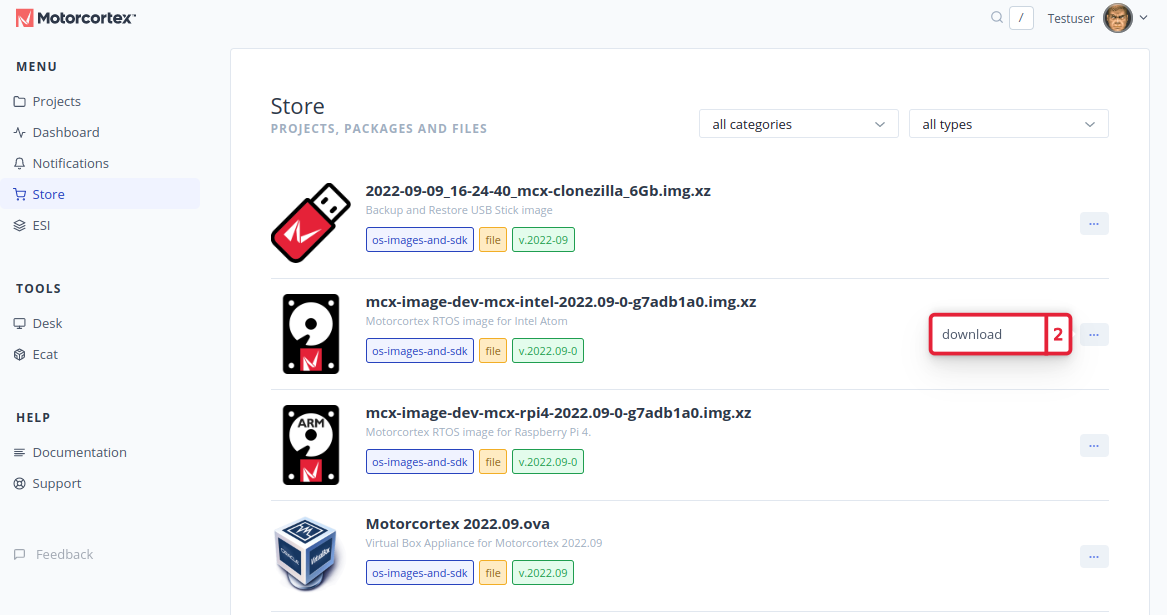
-
Both files land in your
Downloadsfolder. Leave them compressed: the.img.xzfiles are unpacked while they are written.
A Raspberry Pi runs MCX-RTOS from its SD card, so you need one file: the Raspberry Pi image.
-
Open the motorcortex.io store and log in.
-
Download the Raspberry Pi image. Its name starts with
mcx-imageand containsmcx-rpi4, for examplemcx-image-dev-mcx-rpi4-2022.09-0-g7adb1a0.img.xz.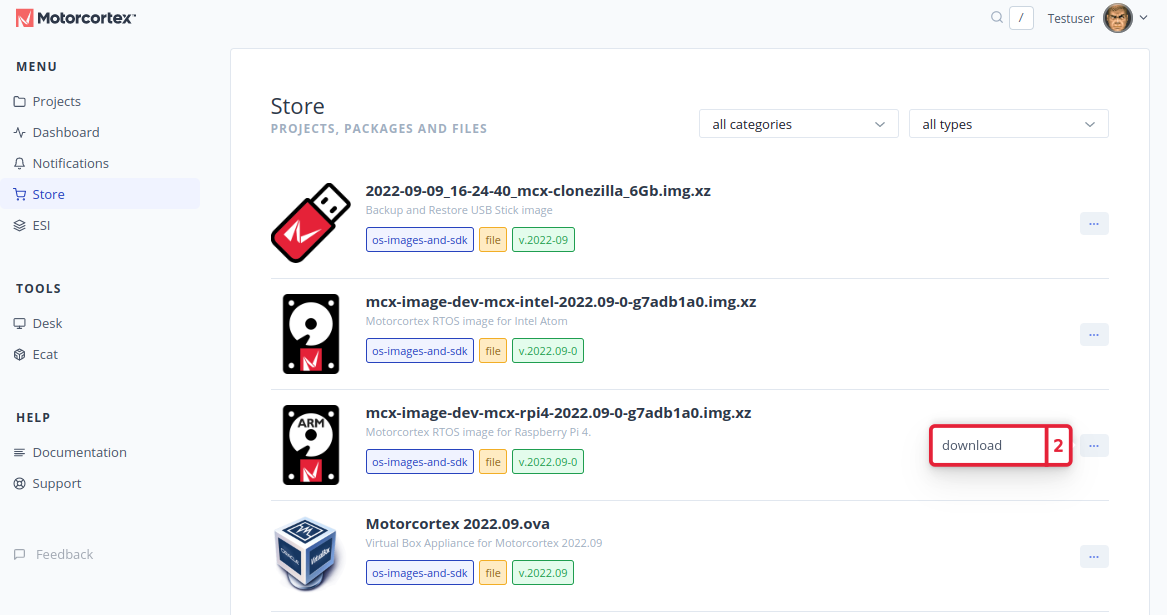
-
The
.img.xzfile lands in yourDownloadsfolder. Leave it compressed: Raspberry Pi Imager unpacks it while it writes the card.
Which file you need depends on the program that runs the virtual machine:
| Program | Host | File |
|---|---|---|
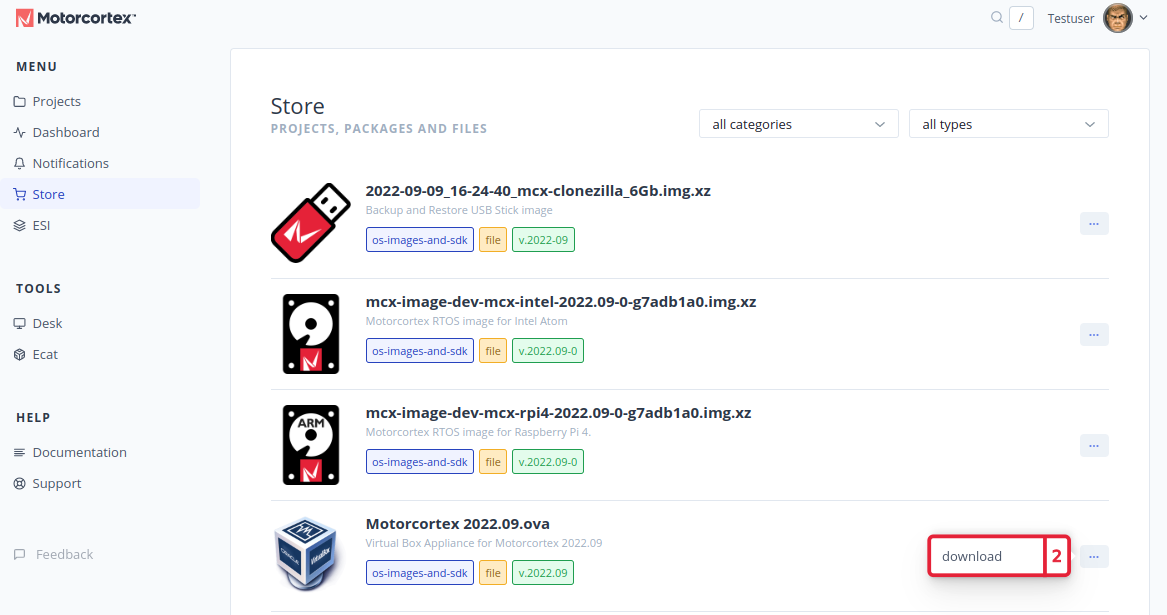
| QEMU | Ubuntu | The Intel disk image, a .wic file, possibly compressed as .wic.xz or .wic.gz |
| VirtualBox | Windows, or Ubuntu | The VirtualBox appliance, an OVAAn OVA (Open Virtual Appliance) file packs a complete virtual machine, its disk and its settings, into one file that VirtualBox imports.
file such as Motorcortex 2022.09.ova |
On Ubuntu, QEMU is the recommended way; VirtualBox is the older one.
-
Open the motorcortex.io store and log in.
-
Download the file for your program.
-
The file lands in your
Downloadsfolder.
Watch the download as a video
The video shows an older version of the store.
Next: Install the image.